Every year brings a fresh wave of "top web design trends" listicles, most of which are written for agencies chasing awards, not small businesses trying to win customers. Some 2026 trends genuinely move the needle on trust and conversions. Others are pure decoration that slow your site down. Here's how to tell the difference.
1. Bold, Confident Typography
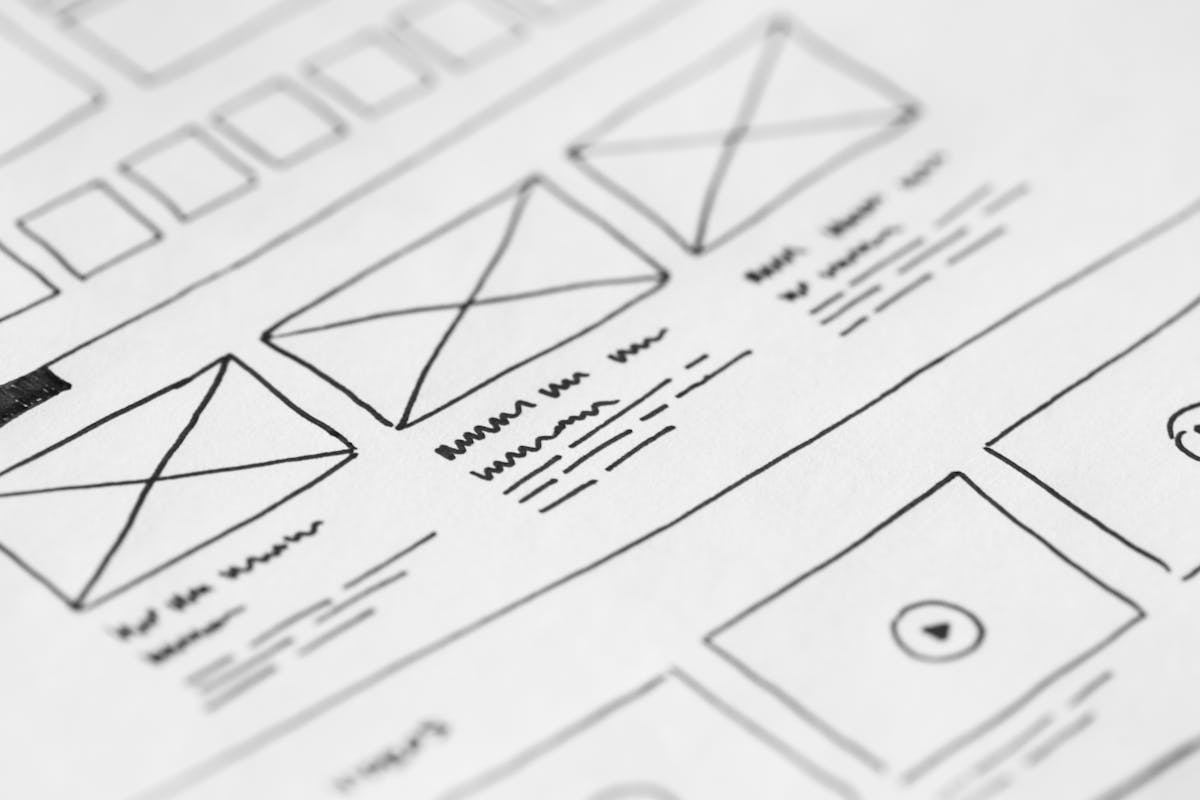
Oversized, expressive headlines have replaced the timid, safe type scales of a few years ago. A large, well-chosen display font paired with a clean body font does more to establish brand personality in the first three seconds than almost any other single design choice. It's also one of the cheapest trends to adopt, since it's mostly a type-scale and font-pairing decision rather than a rebuild.
2. AI-Ready, Machine-Readable Design
The biggest structural shift in 2026 isn't visual at all. AI systems and AI-powered search results now "read" a page before a human ever does, and if your content isn't structured clearly, you become invisible to that layer of discovery entirely. That means clean semantic HTML, a logical heading hierarchy, descriptive labels instead of vague "click here" links, and structured data (schema markup) that spells out exactly what your business offers.
-
Structured Data First:
Add LocalBusiness, Service, or Product schema so AI tools and search engines can summarize your offering accurately, not just guess at it.
3. Warm, Human-Centered Layouts
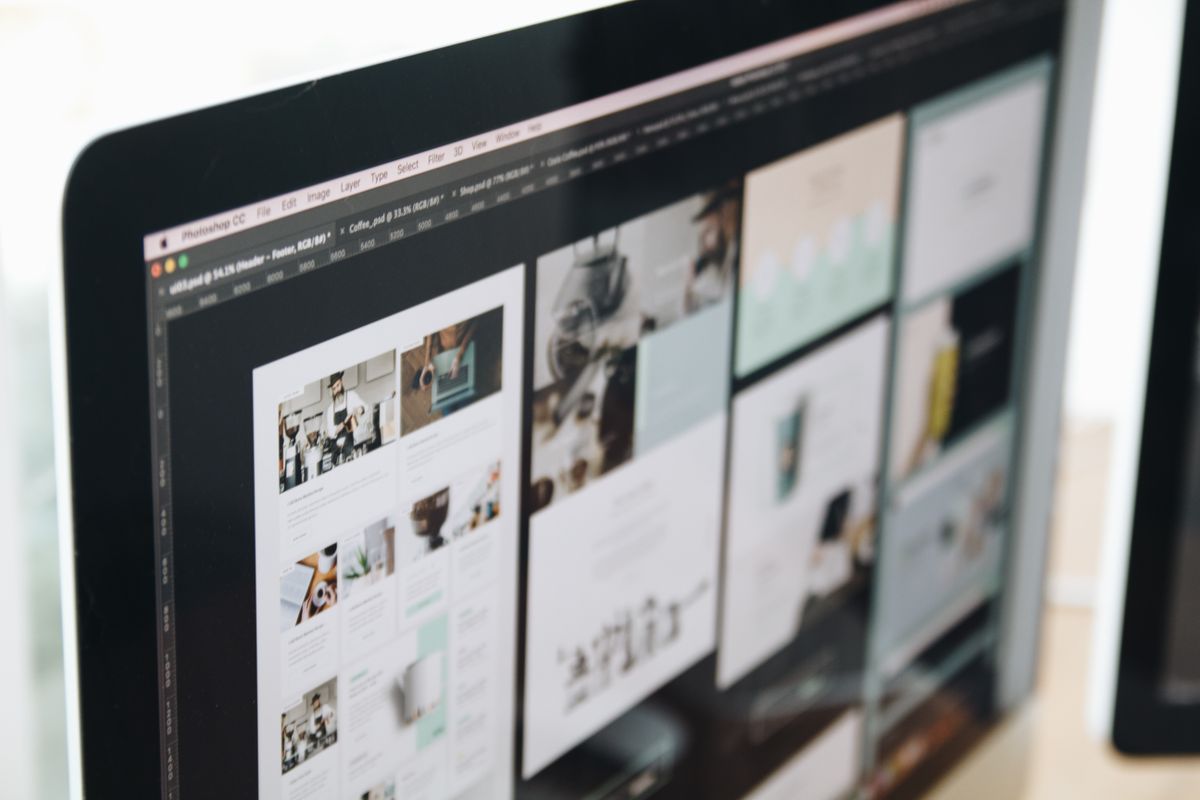
The ultra-rigid, ultra-strict minimalism of the last few years is softening. Designers are leaning into asymmetric grids, organic shapes, and subtle imperfection to make brands feel more approachable and less like a template. For a small business, this trend is especially valuable: a warmer, more human layout builds the kind of trust that makes someone comfortable picking up the phone or filling out a contact form.

Thinking About a Redesign?
We build custom, on-trend websites for small businesses, no templates, no bloat, just a site that looks current and converts.
4. Purposeful Micro-Interactions
Small animated responses, a button that shifts subtly on hover, a form field that confirms input in real time, a progress indicator that fills smoothly, guide users through a site without them consciously noticing. Done well, micro-interactions reduce hesitation at decision points like checkout or contact forms. Done poorly, they become distracting gimmicks, so the rule of thumb is: every animation should clarify an action, never decorate one.

5. Accessibility as a Baseline
Accessible design has moved from "nice to have" to a genuine baseline expectation, and in many regions it's increasingly a legal one too. Sufficient color contrast, full keyboard navigation, descriptive alt text, and accessible form labels aren't a separate trend to bolt on afterward, they're now simply part of what "well designed" means in 2026, and they widen the pool of customers who can actually use your site.

6. Dark Mode & Personalization
Letting visitors toggle dark mode, or mirror their device setting automatically, is now a common expectation rather than a novelty. Beyond dark mode, lightweight personalization, like showing returning visitors relevant content or remembering a saved preference, is becoming more accessible to small business sites, not just enterprise platforms with big development budgets.
7. Performance-First Design
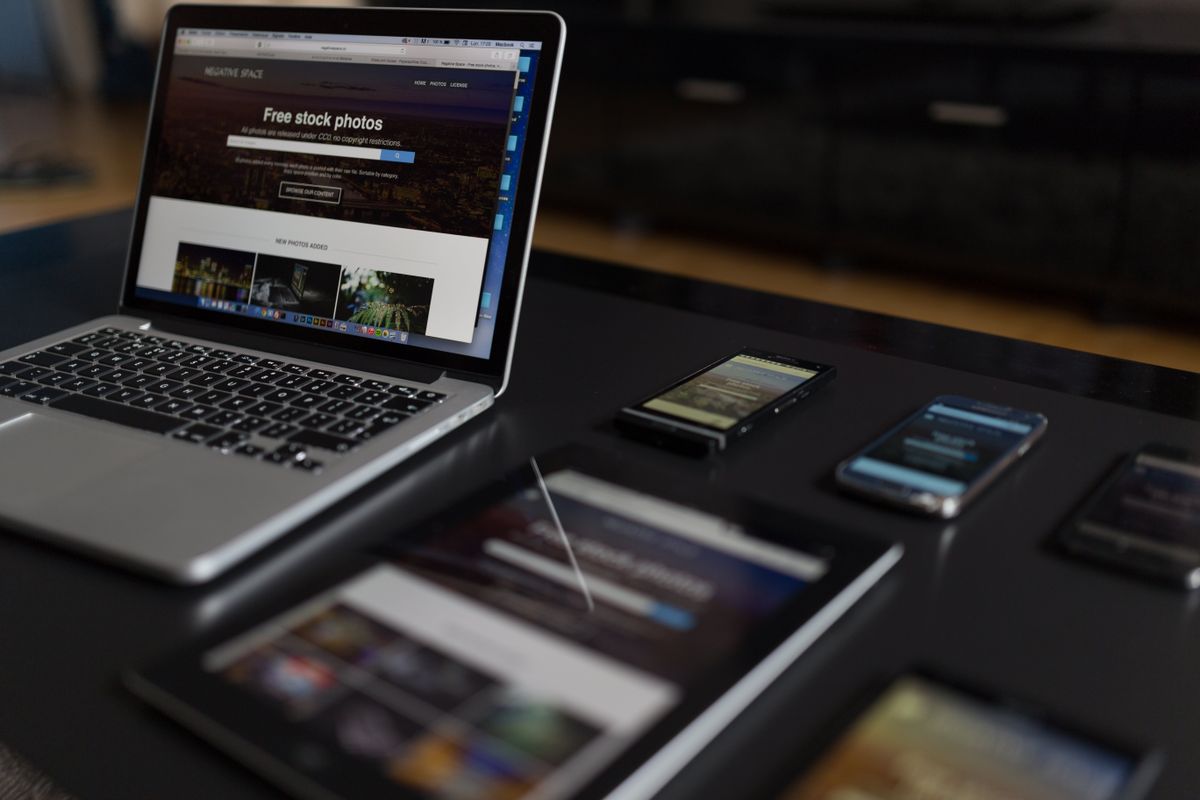
Every visual trend on this list only matters if the page actually loads. Lazy loading images, lean animation libraries, and disciplined use of large media are now treated as core design decisions, not an afterthought handed to developers at the end. A beautiful site that takes six seconds to load loses far more customers than a slightly plainer one that loads instantly.

8. Trends Worth Skipping
Not every trend deserves a place on a small business site. Full-page 3D worlds, WebXR/VR experiences, and heavy parallax scrolling look striking in an agency portfolio but usually add load time and complexity a local service business doesn't need. The filter that matters: does this trend help a visitor understand your business faster and trust it more? If not, it's a trend to admire, not adopt.
9. Frequently Asked Questions
No. Chasing every trend usually hurts more than it helps. Pick the trends that reinforce your brand and make the site easier to use, and skip anything purely decorative that adds load time or clutter without a clear payoff.
Most small business sites benefit from a meaningful visual refresh every 2 to 3 years, with smaller updates (copy, imagery, new sections) happening continuously in between rather than waiting for a full rebuild.
AI-ready design means structuring a site so AI systems like ChatGPT, Gemini, and AI-powered search results can accurately read and summarize it, using clean semantic HTML, clear heading hierarchy, and structured data markup.

Written by Build My Website
We build 100% custom websites, branding, and search engine strategies for small businesses. Operating since 2014 with 142+ websites shipped.